Revenue, Expenses and Tax
Learn how Model Reef handles revenue patterns, cost structures and tax - linking everything cleanly across your P&L, cashflow and balance sheet without manual formulas.
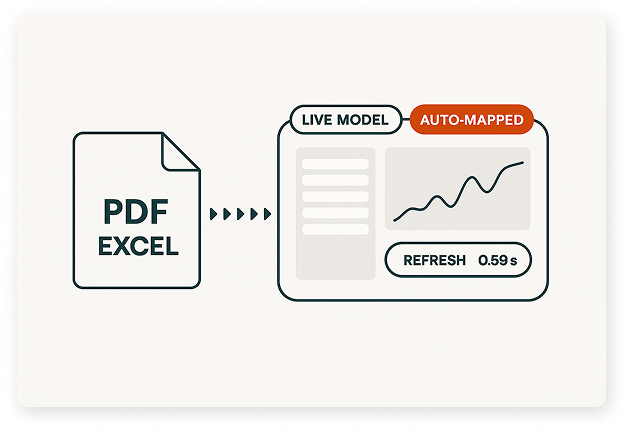
Watch: Model Revenue and Costs in Minutes
Follow these steps to set up revenue streams, add operating expenses, and configure tax so your statements tie together automatically.
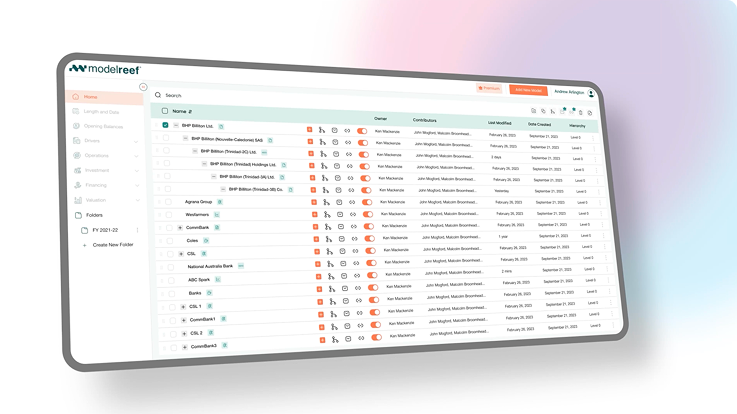
Step 1: Add Revenue Inputs
Step 2: Set Up Expenses
Step 3: Configure Tax
See the Difference Instantly
Before Model Reef, modelling revenue and costs meant juggling spreadsheets and linking statements manually. Now everything flows automatically - clean, consistent and error-free.
| Task | Before Model Reef | After Model Reef |
|---|---|---|
| Model Revenue | Manual formulas | Built-in revenue logic |
| Add Expenses | Scattered cost inputs | Structured expense categories |
| Calculate Tax | Complex linking | Automatic tax flows |
Your P&L becomes clear, connected and easy to maintain.
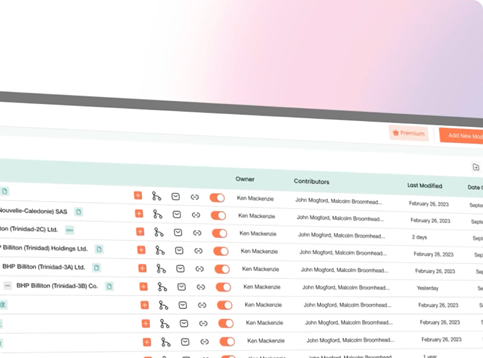
A Clear, Connected Operating Model
Model Reef ties revenue, expenses and tax into clean statements - giving you clarity on how performance flows into cash and valuation.

Clarity in decisions

See how revenue and cost drivers flow directly through your financial statements.
Accuracy you can trust

Clean logic ensures tax, margins and cashflow stay consistent.
Speed that saves hours

Skip linking statements - everything updates automatically.
Experience a cleaner, more connected operating model.
Keep Learning, Keep Exploring
Every tutorial builds on the last - helping you understand how revenue, expenses and tax connect into your statements and dashboards.
Each new concept adds clarity and control as your model becomes more complete.
Explore the Features Behind This Workflow
Model Reef handles the logic behind revenue, costs and tax - so your core operating model stays correct, consistent and easy to update.
Driver-Based Modelling

Define revenue and cost drivers that update your entire model.
Real-Time Scenario Analysis
Test price, volume or cost changes instantly.
Real-Time Collaboration

Work with your team to refine assumptions and review updates.
Deep Integrations

Blend actuals from Xero or other systems with forward-looking forecasts.
See all features that strengthen your forecasting engine.
Ready to Build Your Operating Model?
Start your free 14-day trial and build a revenue and cost model that stays clear, connected and always up to date.
Want to explore more? Compare plans